
How to Get Your Website to Show Up in Google AI Overviews and Other AI Models
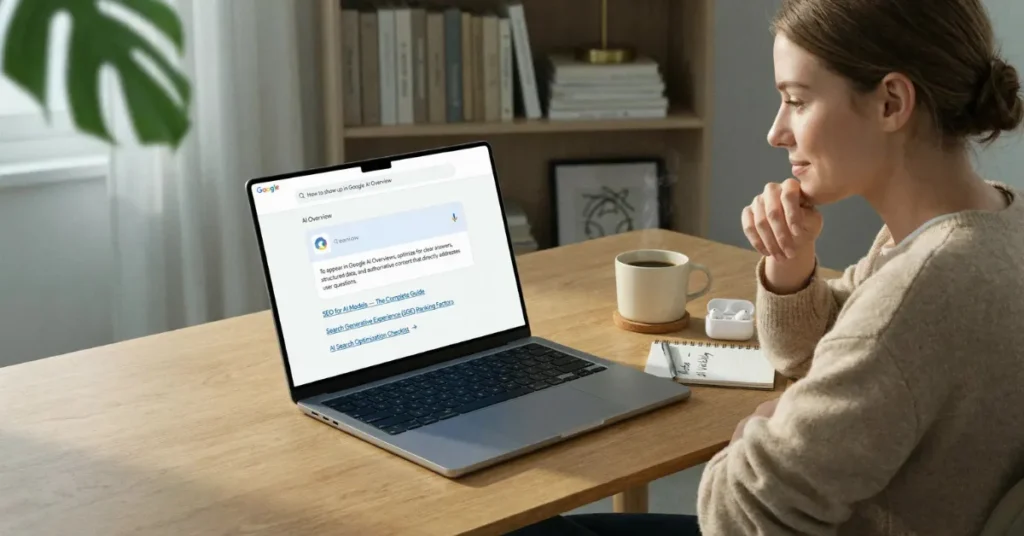
How to Show the Website in Google AI overview and AI models

Key Points

  • To show up in Google AI Overviews, your page must be indexed in Google and allowed to show a snippet.
  • AI tools cite pages they can read and quote, so answer the question in plain text at the top, then add the detail.
  • ChatGPT and Perplexity work differently from Google, so you also need to be indexed in Bing and let their search crawlers in.
  • No one can guarantee a citation, and you cannot pay for one. You can only make your site easy to find, trust, and quote.

AI Overviews, AI Mode, ChatGPT, and Perplexity Are Not the Same Thing

People use one name for all of them, but they do not work the same way. Google builds its answer from pages it already trusts in Search. ChatGpt and Perplexity find pages in their own way, and they lean on Bing and their own crawlers.

ToolsWhat you seeWhere it find answers
Google AI overviewA short summary at the top of Google results Google search index
AI modeChat-style search inside Google, with follow-up questions Google search index
ChatgptA separate AI assistant, outside Google Bing index and OAI-SearchBot 
PerplexityA separate AI assistant, with links Its own index and PerplexityBot 

First Check: Is Your Site Allowed In?

Before you rewrite a page, check the settings that can hide it completely.

  • In Search Console, go to Settings, then Search generative AI. It should say Include. It is on by default, so this is just a check that no one turned it off.
  • Check your robots.txt. Googlebot, Bingbot, OAI-SearchBot, and PerplexityBot should be allowed to read your main pages.
  • Know the difference: GPTBot is for training. OAI-SearchBot is for ChatGPT search. Blocking GPTBot does not block ChatGPT search. Blocking OAI-SearchBot does.

How to Show Up in Google AI Overviews Starts With Being Found

A page that is not indexed cannot be cited. In Search Console, use URL Inspection on your main service pages and check they are indexed, with the right canonical URL. Submit your sitemap, and fix noindex or no snippet if you did not mean to add them.

Then do the same check in Bing Webmaster Tools. ChatGPT and Copilot use Bing, so a page that is only in Google may still be missed there.

Write Pages AI Can Quote: Answer First, Then Proof

AI tools look for a clear piece of text they can lift and link to. Give them one.

  • Put the answer in 2 to 3 sentences at the top, in normal text, not only in an image or video.
  • Then add the details people need to decide: what is included, how long it takes, what it costs, and where you work.
  • Use one page per service and area. Cover the follow-up questions on that same page, so the AI does not have to guess.

Show Real Experience, Not Generic Advice

Anyone can write a generic definition. AI tools already have plenty of those. What they do not have is your work. Add real photos, real examples from jobs you have done, and advice you would give a customer on the phone. Put your name and the date on the page.

Keep Your Business Facts the Same Everywhere, and Build Local Trust

  • Use the same name, address, phone, hours, and services on your site, Google Business Profile, Bing Places, listings, and social profiles.
  • Ask happy customers for a review, and reply to it. Mentions on other trusted local sites help too.
  • For a local search, AI needs to be sure it found the right business. Mixed details make it pick someone else.

Helpful Extras That Do Not Guarantee Anything: Schema, llms.txt, and Speed

Google says you do not need special schema or an llms.txt file to appear in AI Overviews. Accurate schema can still help Google understand your business, and a fast, mobile-friendly site helps the person who clicks through. Treat them as helpers, not tickets in. Skip any paid GEO package that only repeats normal SEO.

What to Do When You Are Indexed but Still Not Cited

  • Check the Search generative AI setting again, then check indexing, canonical, and nosnippet.
  • Ask if the page adds anything new. If it only repeats what big sites already say, there is no reason for AI to pick it.
  • Check if the question even triggers an AI answer. Some questions do not, and no edit will change that.
  • Do not publish a second, near-identical page just for AI. Fix the main page instead.

How to Check If You Show Up, and What to Do Next

  • In Search Console, open the Generative AI report under Performance. It shows impressions, not clicks, by page, country, date, and device.
  • Once a week, ask the same customer questions in Google, ChatGPT, and Perplexity, and note who gets cited.
  • After a citation, make the click worth it: a clear next step, real examples, and an easy way to contact you.
  • Hire help if the site is not indexed, or fixes keep breaking pages. A good expert will check crawl, index, and content, and will not promise a citation.

For the technical checks, see our Technical SEO service page, and for answer-first pages, see our On-Page SEO service page.

Frequently Asked Questions

No. There is no ad slot for it. It is earned by being findable and quotable.

No. Google says neither is required. Accurate schema can help Google understand your page, but it does not guarantee a citation.

It depends what you block. Blocking search bots hides you from answers. Blocking training bots is a separate setting. Check before you change robots.txt.

There is no fixed time. Indexing comes first, then mentions build over weeks as AI tools see and trust the page.

Yes. A clear, specific answer on a small site can be quoted, especially for local and niche questions where big sites have little to say.

Leave a Reply

Your email address will not be published. Required fields are marked *